Official stacks
Each long-lived project uses the pinned official self-hosted Supabase stack.
- No Supabase fork.
- No custom database platform.
Local control plane for self-hosted Supabase stacks
SBfleet manages independent official self-hosted Supabase stacks on one machine while preserving the original Supabase Studio, official tooling, explicit ownership boundaries, and recoverable local workflows.
upstream stacks · isolated · recoverable
No daemon · No control database · No custom Studio
S B F L E E T
local control plane
upstream stacks · isolated · recoverable
sbfleet / myapp❯
01 · Why SBfleet
The official self-hosted stack is naturally project-oriented. Running several long-lived projects on one machine introduces isolation, lifecycle, port, ownership, backup and operator-safety concerns.
SBfleet adds a thin local control plane around official tooling instead of replacing it.
Each long-lived project uses the pinned official self-hosted Supabase stack.
Each project has collision-checked ports and independent resources:
SBfleet does not replace Supabase Studio.
Each project keeps the original self-hosted Studio as its visual interface.
02 · Architecture
No daemon. No Redis. No Kubernetes. No control-plane database.
03 · Safety model
01
Destructive operations require positively proven project ownership.
02
Start, stop, restart, remove, restore and update operate against explicit project authority.
03
Encrypted cold backups include disposable recovery verification and same-pin restore for the same project and compatible architecture/image set.
04
A separate disposable Supabase CLI sandbox supports local development and automation. It trusts the local operator; same-user filesystem or Docker access can bypass its guards.
04 · Typical workflow
Create, inspect, open Studio and back up a project from the CLI — or work inside the interactive shell with a project in scope.
$ sbfleet create myapp --start --yes $ sbfleet status myapp $ sbfleet studio myapp $ sbfleet backup myapp --identity ~/.config/sbfleet/backup.agekey 05 · Two modes
mode · project
For persistent local/self-hosted Supabase projects.
mode · sandbox
For local app development and agents.
06 · Screenshots
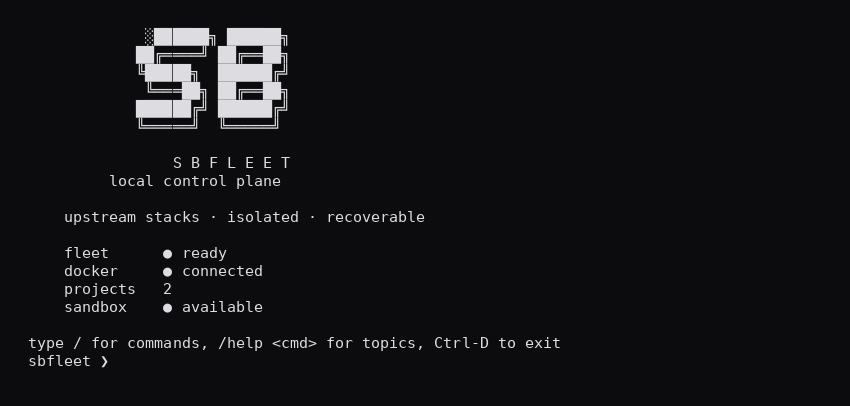
Terminal home
Interactive shell with fleet summary and short product lockup.
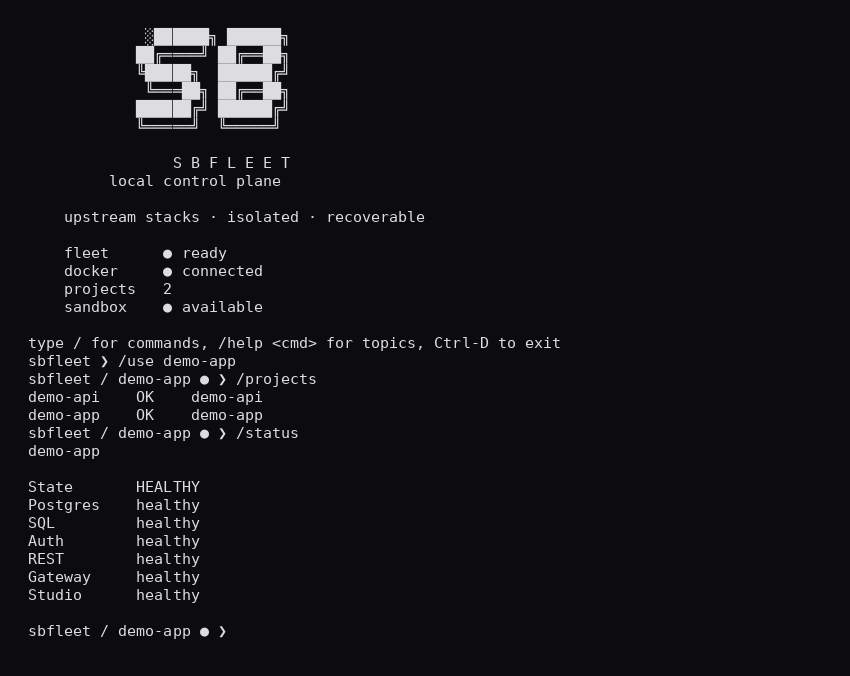
Multi-project status
Two independent stacks, one active project prompt.
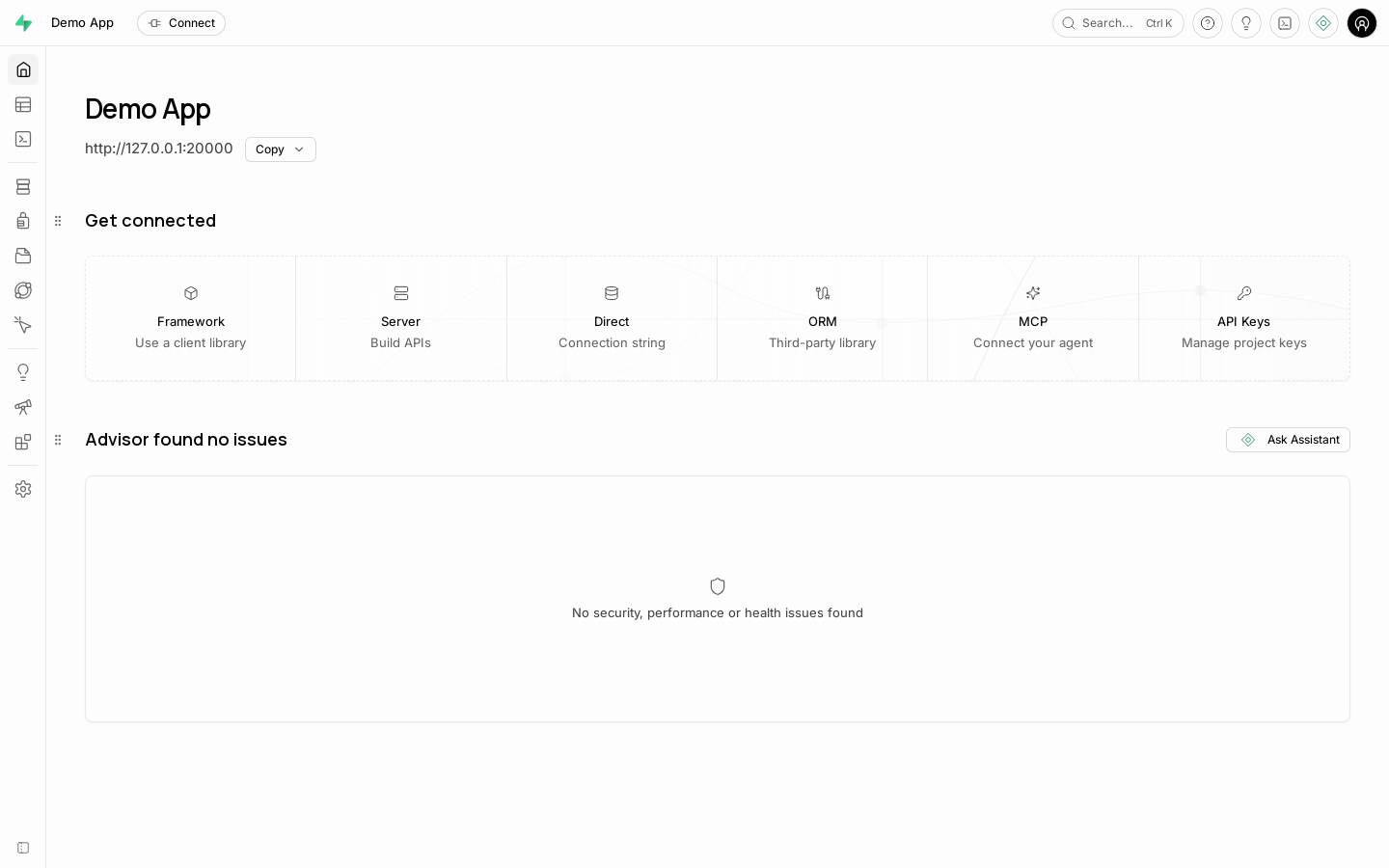
Original upstream Studio
SBfleet launches the upstream Studio for each managed project.
Studio is an upstream third-party interface and is not developed by SBfleet.
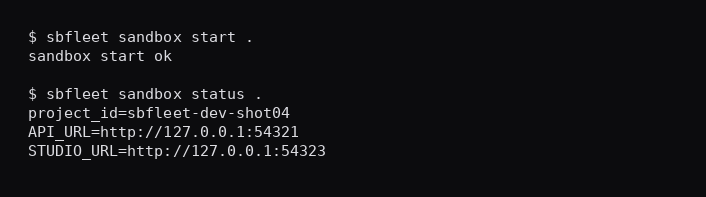
Disposable sandbox
Official CLI sandbox for a local app directory, separate from fleet projects.
07 · V1 status
current status
SBfleet v1.1.1 refines the read-only fleet dashboard with focused project navigation, clearer recovery attention and responsive layouts. The v1.1 JSON, local MCP, verified cloning and schema planning capabilities remain shipped. Fleet and recovery semantics are unchanged; migration planning does not execute SQL.
Recovery is bounded to supported same-pin restores. Keep off-host backups and recovery identities, and validate your recovery procedure before entrusting important data.
Read v1.1.1 release notesFleet control
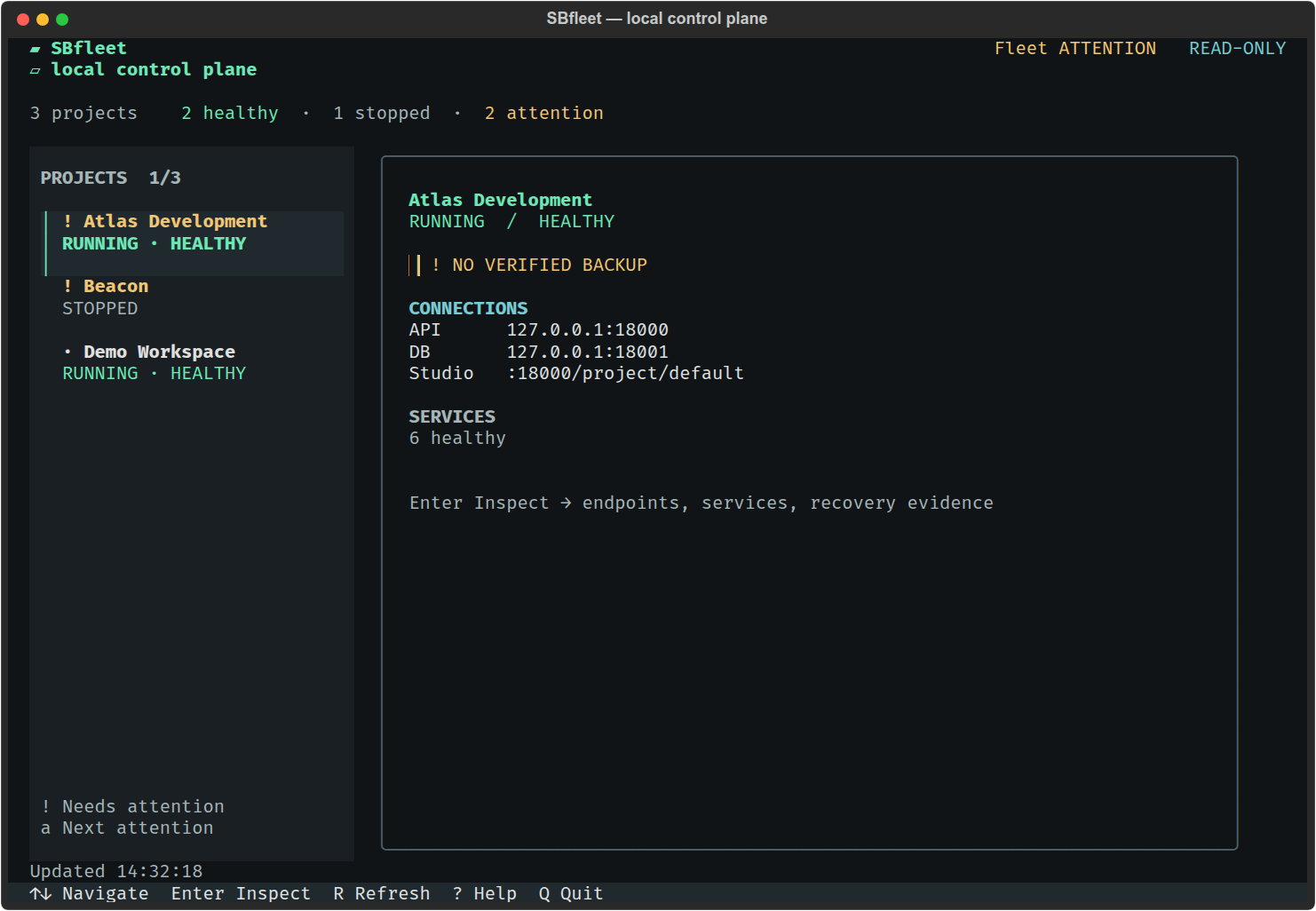
Navigate your projects in one read-only fleet overview. A focused workspace brings project health, recovery attention, connections and service inspection into view.
Get started
Requirements: Linux, Docker Engine and Python 3.10+.
git clone https://github.com/Pepinko81/sbfleet.git
cd sbfleet
export PATH="$HOME/.local/bin:$PATH"
bash scripts/install-user.shProduct roadmap
v1.1.1 is the current release. Foundation and v1.1 are shipped. Next and Later describe future direction.
Shipped · v1.0.x
Shipped · Current v1.1.1
Future direction
Longer-term direction
Roadmap reflects current direction and may change; it is not a delivery commitment.
08 · Open source
SBfleet is designed as a small, inspectable control plane around official Supabase tooling.
Its architecture, safety boundaries, command reference and verification evidence live alongside the source.
Python 3.10+ · Linux · Docker Compose
09 · FAQ
No. SBfleet is an independent open-source project and is not affiliated with, sponsored by, or endorsed by Supabase.
No. Each long-lived project keeps the original self-hosted Supabase Studio.
Normal long-lived local stacks and disposable sandbox workflows are designed around local self-hosted tooling. SBfleet is not a Supabase Cloud management product.
SBfleet v1.1.1 is the current public release, with installation and upgrade validation complete. It supports one Linux host with local Docker Engine. Recovery uses a bounded same-pin restore contract; validate your recovery procedure before relying on it for important data.